CapacitiesDocs
    • Getting started
    • Creating new objects
    • Create a network of notes
    • Working with tags
    • Define your own object types
    • Using the editor
    • Save content from your phone
    • Tags vs. collections
    • Sharing in a knowledge graph
    • More tutorials
    • AI Assistant
    • Task Management
    • Task actions
    • Queries
    • Calendar Integrations
    • Web Extension
    • Integrations
    • Object types
    • Blocks
    • Properties
    • Organizational structures
    • Views
    • Search & Command Palette
    • Navigation
    • Bulk Actions
    • Object menu
    • Dates and daily notes
    • User interface
    • Page layouts
    • Import
    • Exports and Backups
    • Templates
    • Block-based linking
    • Unlinked Mentions
    • Offline Support
    • Shortcuts
    • Account
    • Glossary
    • Mobile App
    • Tablet App
    • Account & Billing
    • Editing & Content
    • General
    • Community
    • Data protection
    • Collaboration
    • General FAQs
    • Impressum
    • Announcements
    • Capacities API
    • X-Callback-URLs
    • Contribute
    • Responsible Disclosure

How can I link to a specific block, not just an object?

You need block-based linking to do this!
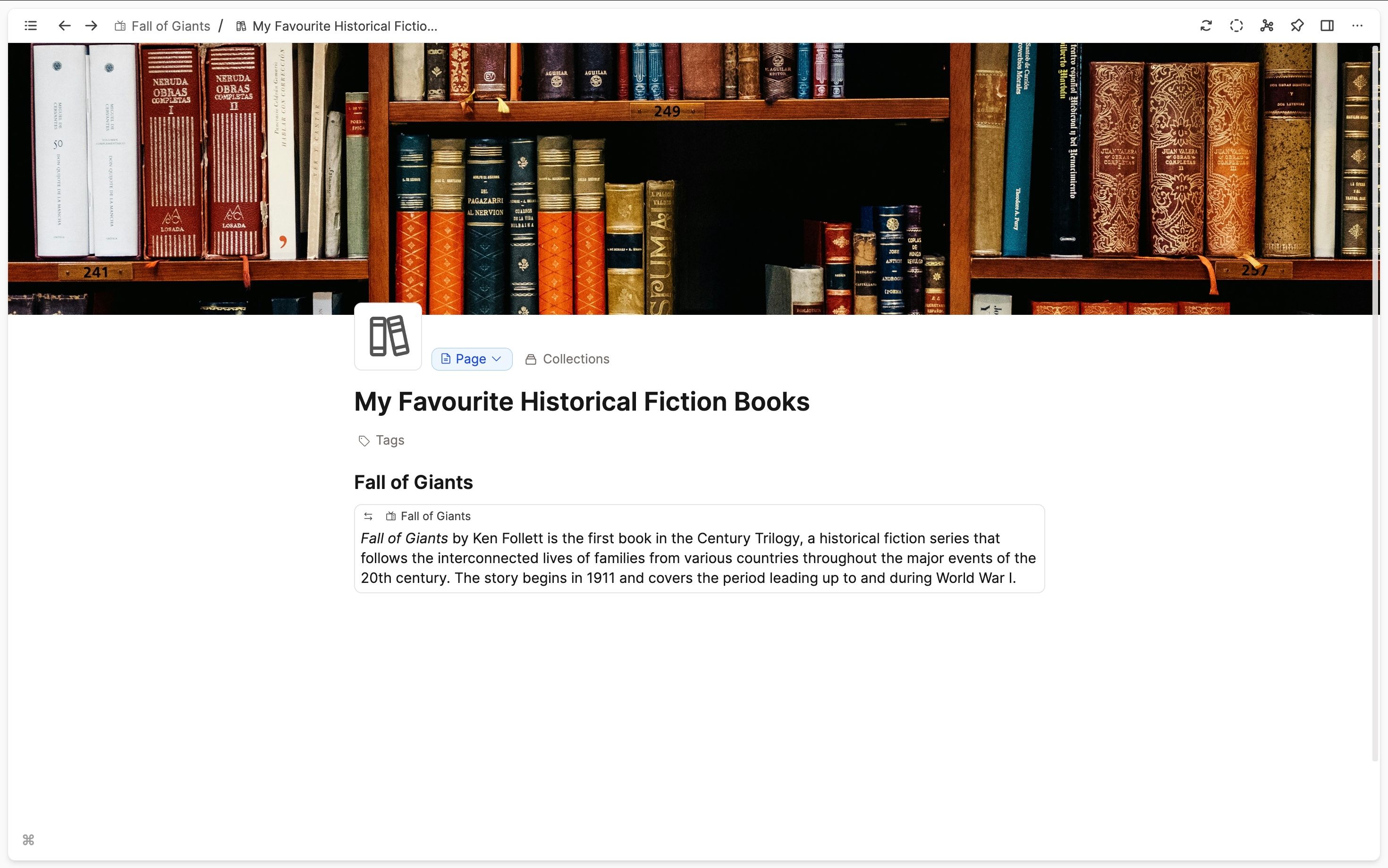
You need block-based linking to do this!

example

How do I see a graph view of my whole space?

Capacities does not have a full space graph view. It is a local graph view only of objects.

How can I create a property that lets me add objects from more than one type? For example, if I want to have a 'source' property for my quote object type, but the source could be a person or a film?

Capacities Documentation • © 2026