Tutorials
Creating new objects
Tutorials
Creating new objects
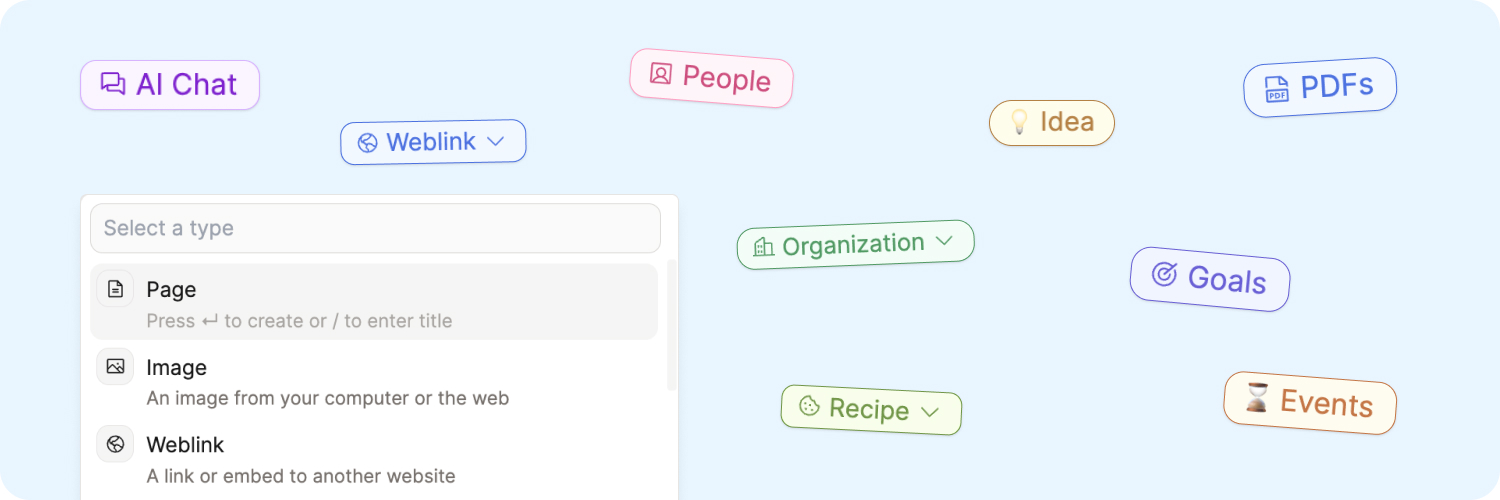
Everything in Capacities is an object, and every object has a type. In order to add a new object to Capacities, you need to do two things:
- Define its object type
- Name your new object
There are several ways to do this.
Beginner Level
Start by trying one of these options:
- Click the "+ New" button block in the top left of the window, choose the object type, then name it
- Go to the left sidebar, choose the object type you are wanting to add to, click the three-dot menu (
...) near the object type name, and click "+ new ...". Name your new object. - Or open an object type, and click the "new" button in the top right of the window
- Highlight some existing text (this names the new object), then click the + that pops up above the text, and then choose its type.
Intermediate Level
As you get more confident navigating Capacities, you might want to do more with keyboard shortcuts:
- You can use
Cmd U(Mac) orCtrl U(Windows) to create a new object - You can also use the command palette (
Cmd KorCmd P) (use Ctrl for Windows) and type the type of the new object you’re creating, and click enter. This will create a blank object of that pre-defined type for you to name.
Expert Level
Finally, you can define the object type and the object name all in one by following this convention when typing in your objects "/object type/new object name/". "+object type/new object name/" will also work.
For example, "/media/Forrest Gump/" will create a new media object called Forrest Gump. Similarly "/meeting/Weekly Standup 5/" will create a meeting object called "Weekly Standup 5".
See this in action
Here is the video walkthrough of all the methods above:
Next Steps
Once you've got some content in Capacities, you might want to start linking it together. Check out the networked note-taking tutorial for more about why linking notes is so powerful.
You might also want to organise your objects into groups. You can do so with collections.
Ask a question! - The Docs Assistant knows everything about the documentation, and the ideas and feature requests from other users.
Create a ticket on our feedback board. - Let us know if you have an idea for a feature, improvement or think there is something missing.
Request additions to the documentation. - If your questions are not getting answered, let us know and we will extend the documentation.