Features
Web Extension
Features
Web Extension
There are three options for you. It's best to choose it based on your workflow and needs.
- Capacities Web Extension
For simply collecting links to visit or take notes on later, use Capacities' web extension.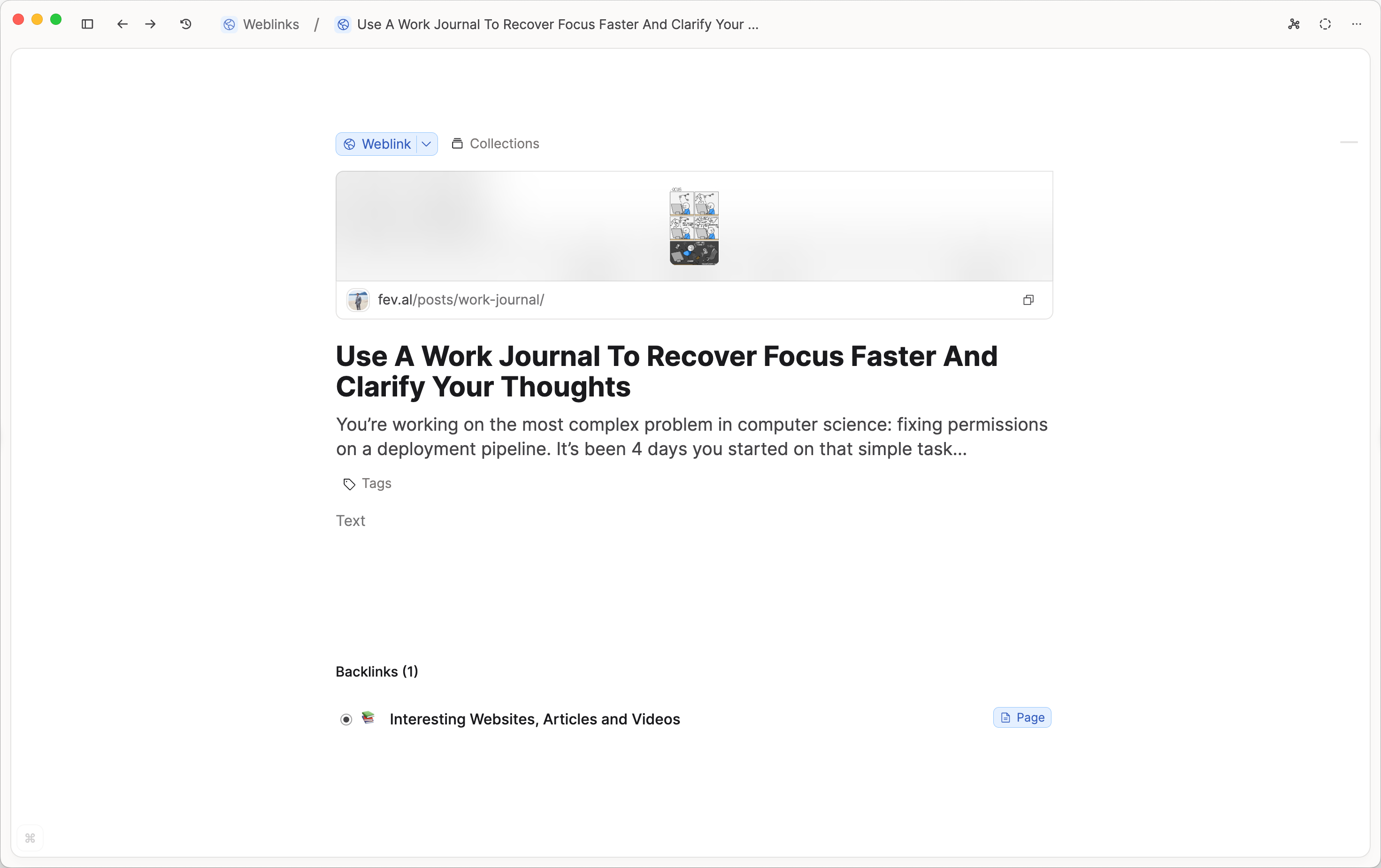
- Web Highlights Web Extension
For highlighting weblinks to import into Capacities, we recommend using Web Highlights which is a browser extension with a first-class integration with Capacities.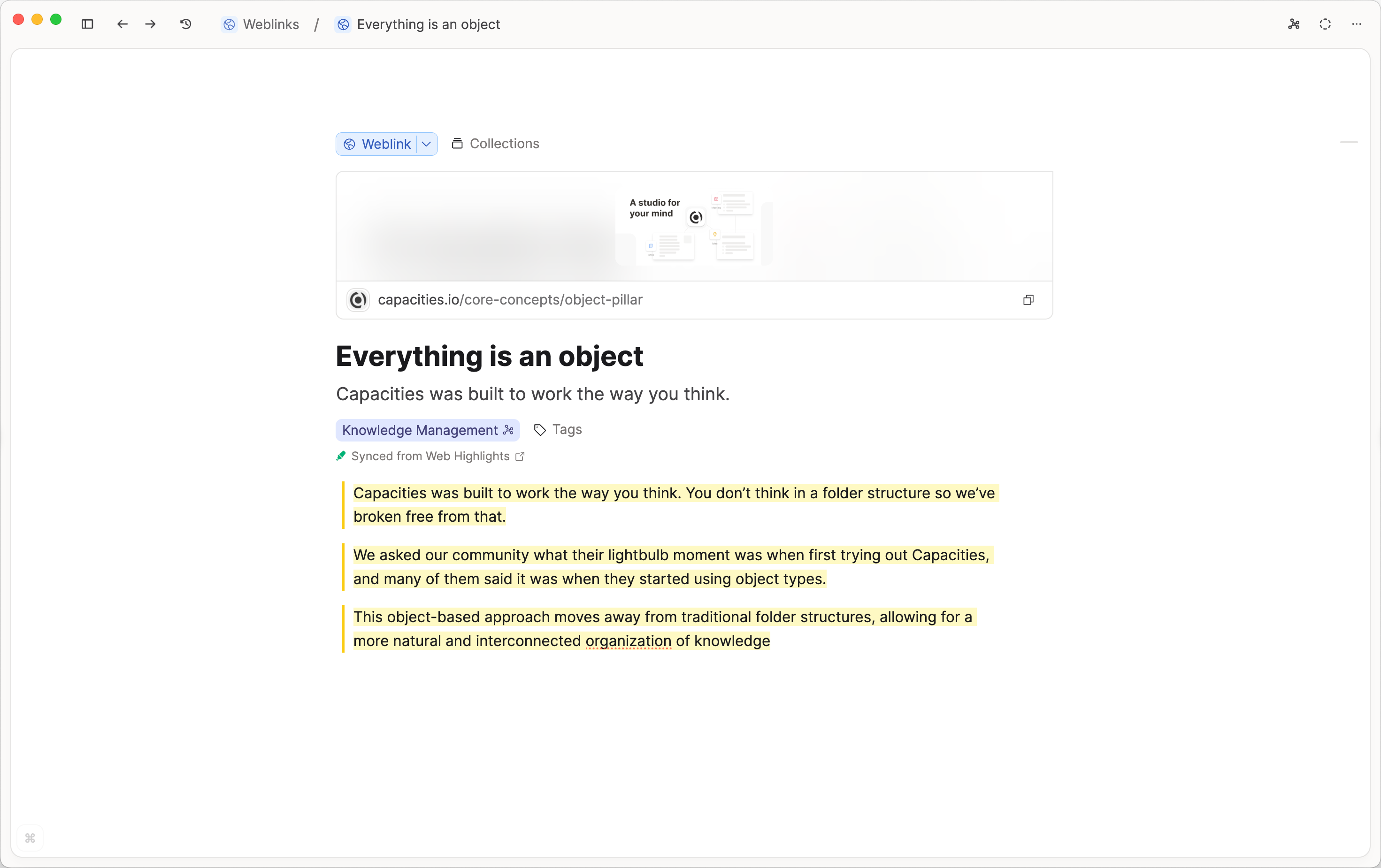
- Readwise Integration
For advanced workflows including different media types, we recommend the Readwise Integration.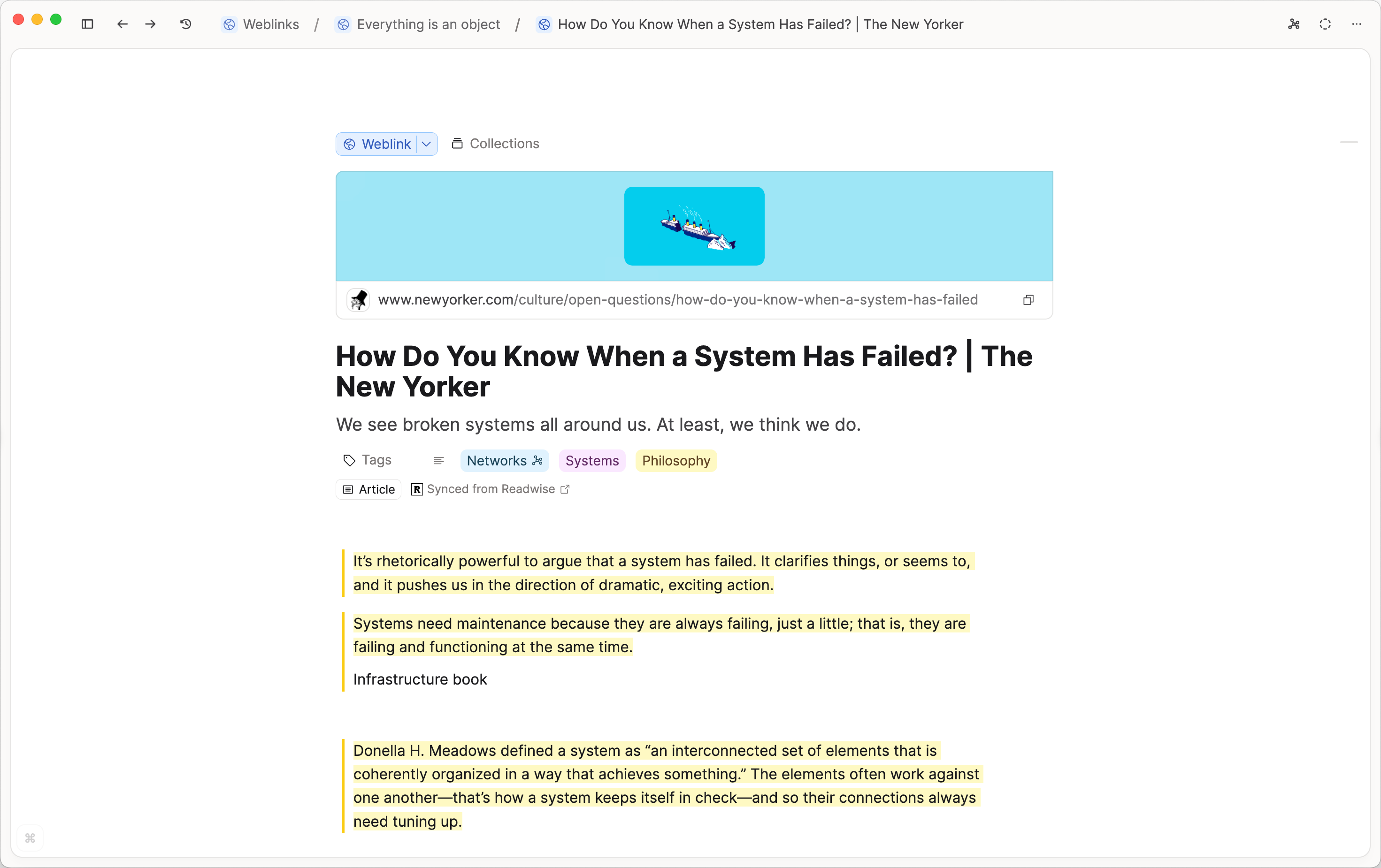
If you are looking for a bookmarking app, we recommend a built-for-purpose app. When you want to highlight content from one of them, you could use Web Highlights or Readwise.
You can see the various options in action in this video:
Highlights in Capacities
We have developed a special highlighting format that helps separate your work from other's in your space.
If you want a repeatable process for working with imported highlights, use the Reading workflow guide.
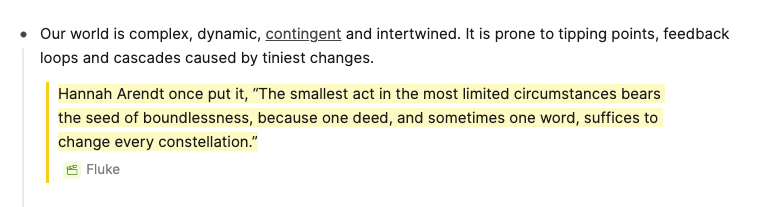
You can read more about this here.
Capacities Web Extension
The Capacities Web Extension allows you to easily save a URL, title and cover image to your Capacities space from your browser.
Note, if you want to highlight weblinks to import into Capacities, we recommend using Web Highlights which is a browser extension with a first-class integration with Capacities. If you want more advanced workflows with several different media types, we recommend our Readwise Integration.
Capacities' Web Extension
Get a quick introduction to everything you need to know!
Installation
The Capacities Web Extension is available on all major browser stores.
To install it, choose the correct store from the list and follow the installation instructions there.
Next, you will need to log into Capacities.
To use the Capacities Web Extension on Chrome, Edge, or Firefox, you need to be logged in to Capacities in your browser.
How to use Capacities’ Web Extension
Click on the Capacities extension in your browser.
A window will pop up.
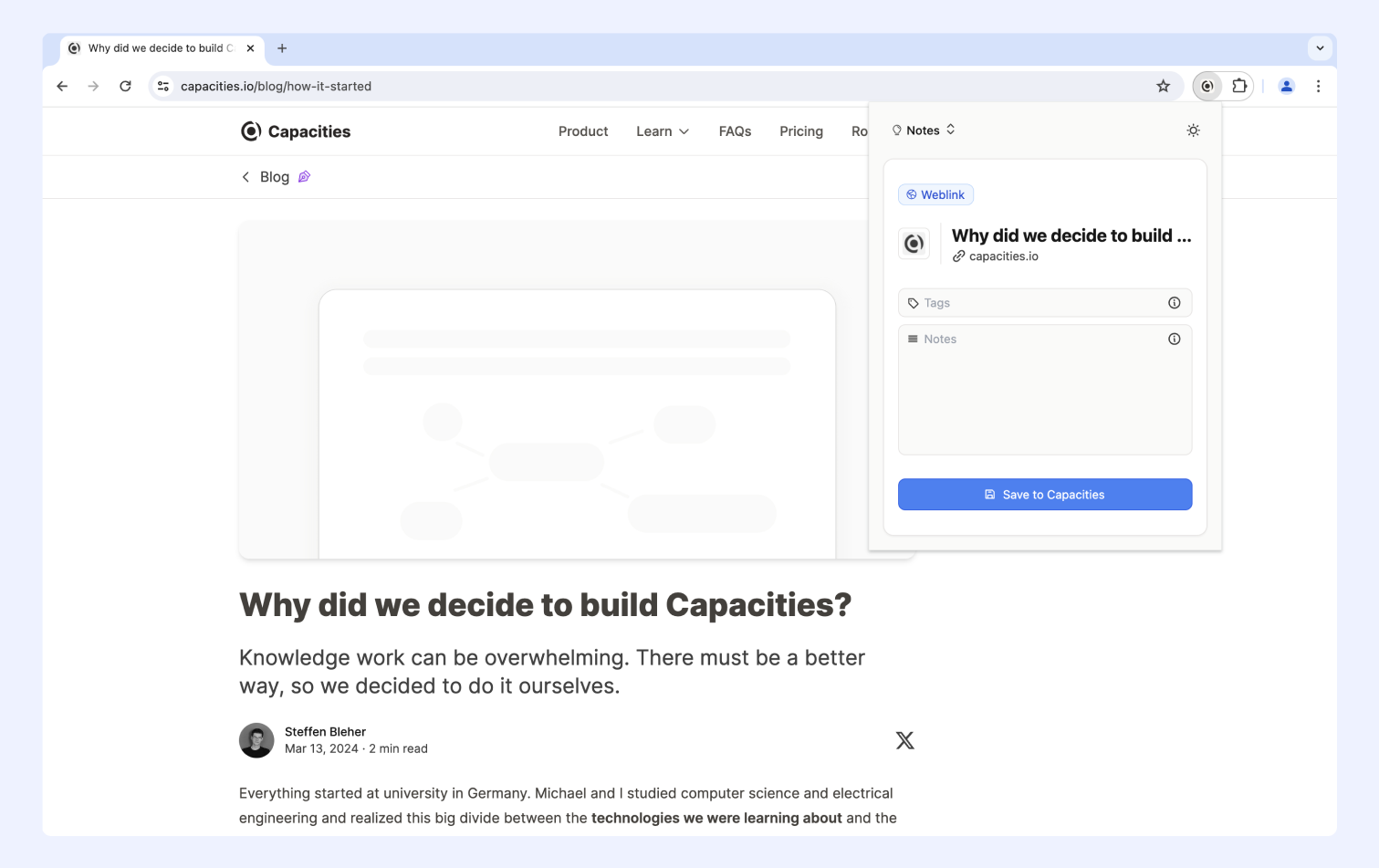
The title, url and image will be automatically pulled from the website. This will become your Weblink in Capacities.
- You can choose which of your spaces this weblink is saved to using the space switcher in the top right.
- You can add tags (existing one or create new ones), using commas to separate each one.
- You can also add notes for some context if needed.
Once you’ve filled out the information you need, click save to Capacities.
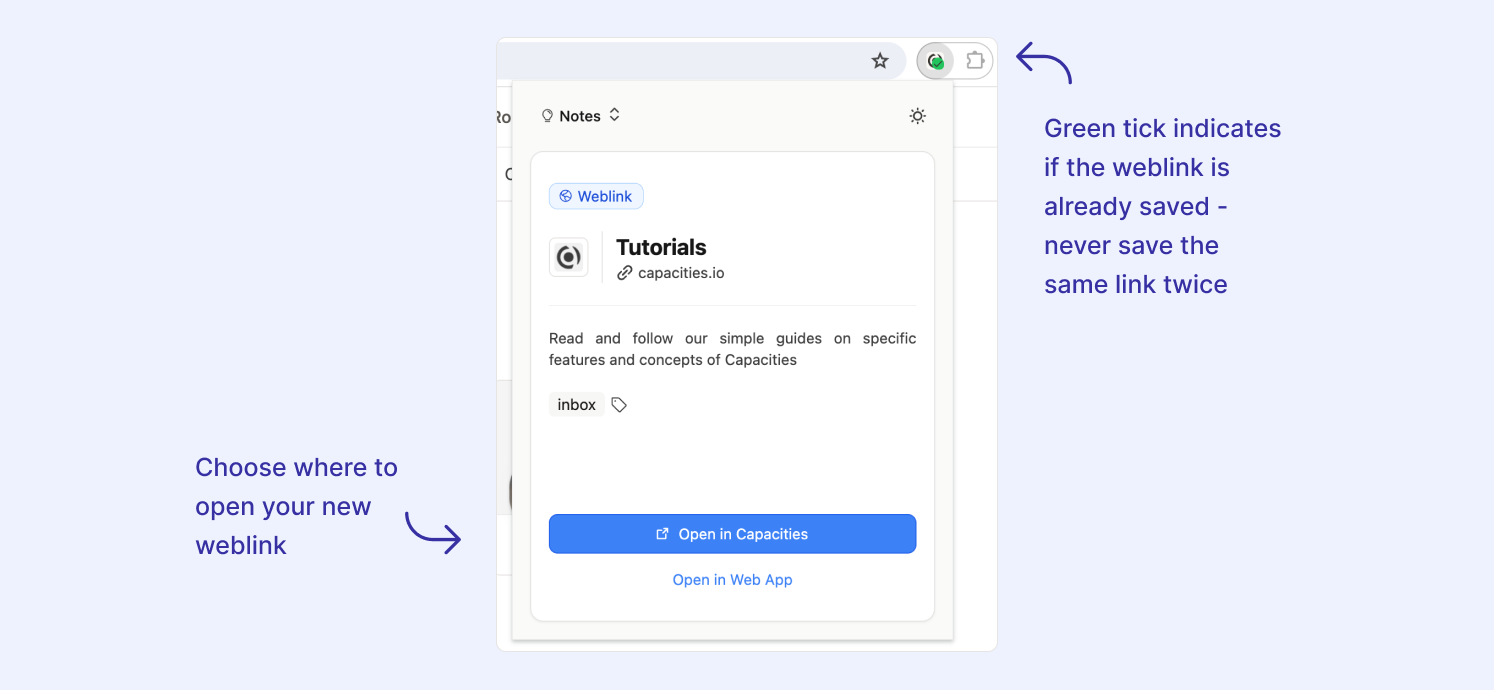
Here you can choose whether to open your new weblink right away, or you can close the modal and carry on browsing the internet.
Formatting your notes
You can send formatted notes to Capacities via this extension. You can use all Capacities shortcuts:
#,##,###, and####for headings-for bullets1.for numbered lists>for quotes**text**for bold text*text*for italic text
Standard markdown formatting is supported as well.
Tagging
To add tags to your notes simply use the # symbol. Capacities matches your text with your existing tags or will create new tags. You can of course also add tags to the tag field.
- You cannot use special characters in your tags.
Linking and creating content
You can create new objects and link existing content from your email. Use the following syntax inside the notes box to link to a page with the title "Wendelstein reactor":
[[page/Wendelstein reactor]]
If this page exits in your space it will create a link to it, otherwise, a new page will be created. This works for all object types in your space. If you have a object type Person you can link or create it by using [[person/Steve Jobs]].
Note that this will only create a link to a new or existing object. It will not insert the weblink into the linked object.
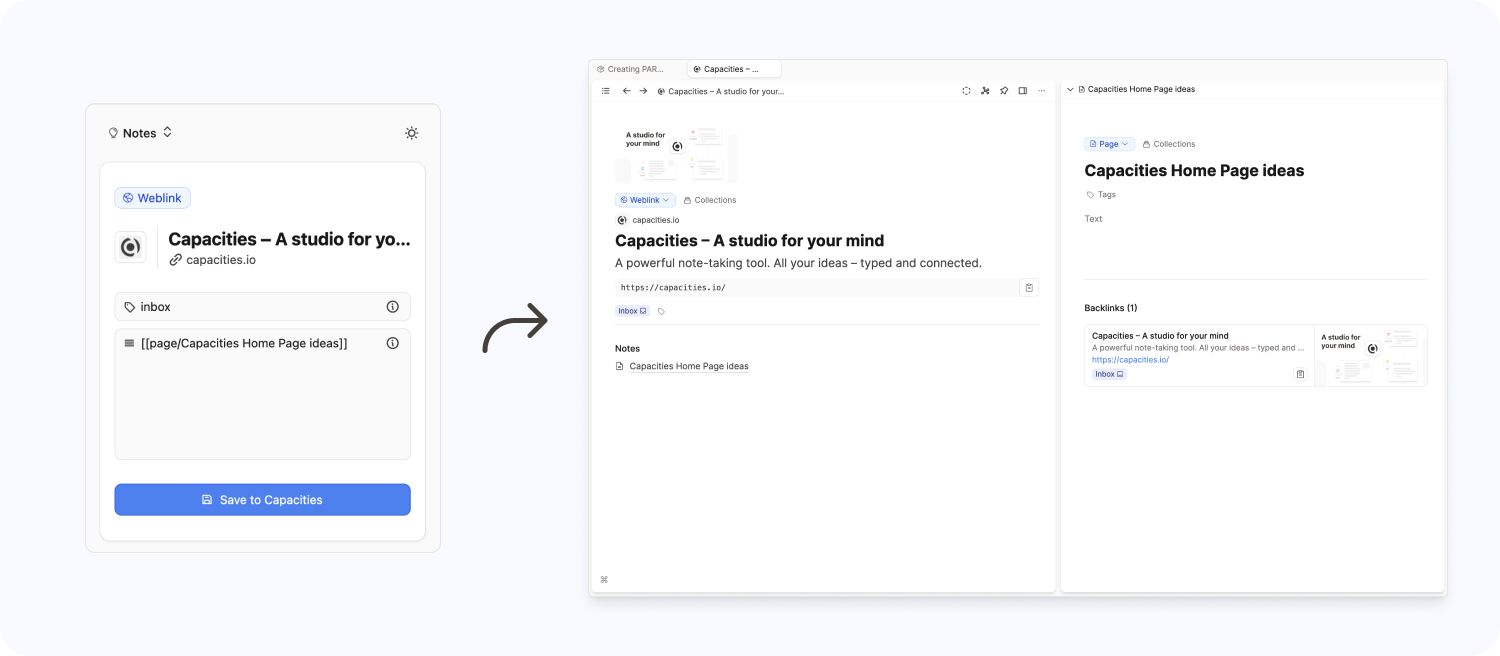
Alternative ways to create or link are +person/Steve Jobs/ and @person/Steve Jobs/, similar to the syntax you can use in the app.
If your object type contains space characters, like "Book Summary" you need to specify it in upper camel case format: [[BookSummary/Sapiens]], +BookSummary/Sapiens/, or @BookSummary/Sapiens/.
If you only want to link and not create you can do this by just referencing the title: [[Steve Jobs]].
What's next for the web extension?
We want Capacities to remain a calm place that can be the best thinking environment for individuals. This means guarding against digital noise. We've already added a green tick to indicate whether or not you have already saved a weblink. No duplicates needed.
Nevertheless, the current version of the Capacities Web Extension is just the beginning. We envision it to become a true bridge between Capacities and the web.
Here's what we have planned:
- Integration with media: This will allow you to save images, capture YouTube videos, social media posts, and more. It will be tightly integrated with Capacities, so you can add notes to your saved media and work with them in Capacities.
- Saving to a specific collection: You'll be able to save weblinks to specific collections in Capacities. This will allow you to organize your saved weblinks in a way that makes sense to you.
- Saving profiles: Define profiles for different spaces. This allows you to apply a set of tags to a weblink with a single click.
- Summaries and better metadata: We want to make it easier to save weblinks by providing AI summaries of the content you're saving. We'll furthermore improve the metadata that is saved with the weblink.
- Text highlighting: We are thinking about adding text highlighting and more advanced saving options but this won't be our focus in the near future. We'll most likely collaborate with other tools that are already doing this well to provide a seamless integration with Capacities, such as the Web Highlights chrome extension and Readwise.
Ask a question! - The Docs Assistant knows everything about the documentation, and the ideas and feature requests from other users.
Create a ticket on our feedback board. - Let us know if you have an idea for a feature, improvement or think there is something missing.
Request additions to the documentation. - If your questions are not getting answered, let us know and we will extend the documentation.