Highlight Blocks
Highlight Blocks
Highlight blocks have some special functions beyond what our normal text blocks will offer.
For an end-to-end method of using highlights, see the Reading workflow use-case.
They look like highlights so you can easily distinguish them from other text

Appearance
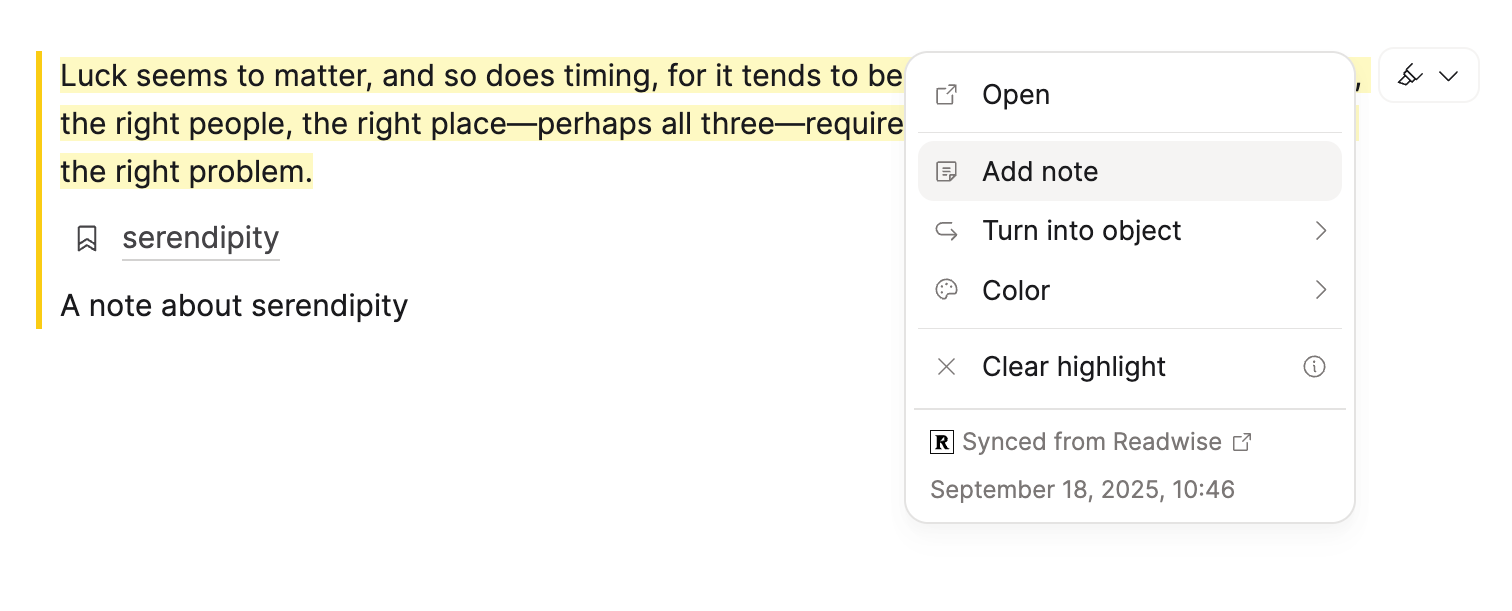
Highlight blocks show the quoted text with a colored bar on the left. If you add a note, it appears below the quote in smaller text.
Choose between Default and Minimal styles in Settings > Editor > Highlight Style.
They have special actions that can be applied
- Open the original highlight location
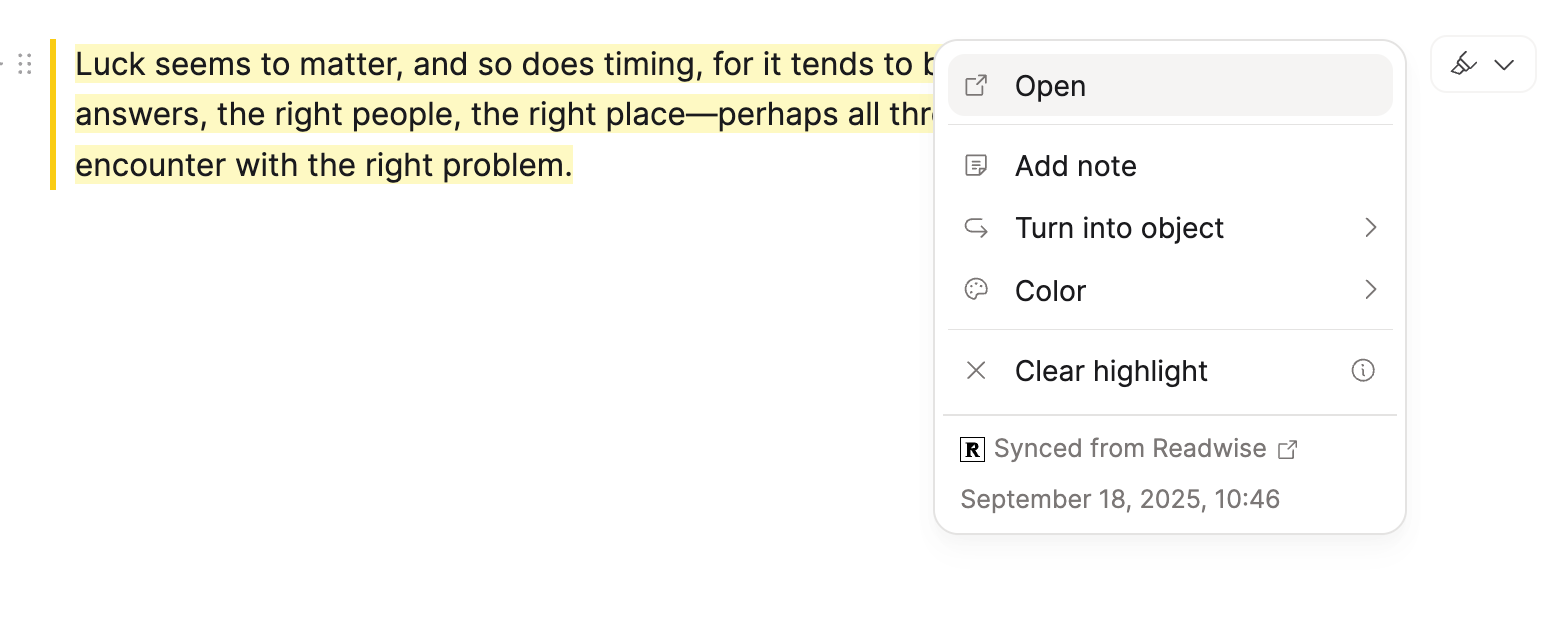
- Add a note to that highlight block (this functions like normal text so link and format in any way you'd like)
- Turn the highlight into a standalone object. It'll keep the highlight formatting and link to original highlight.
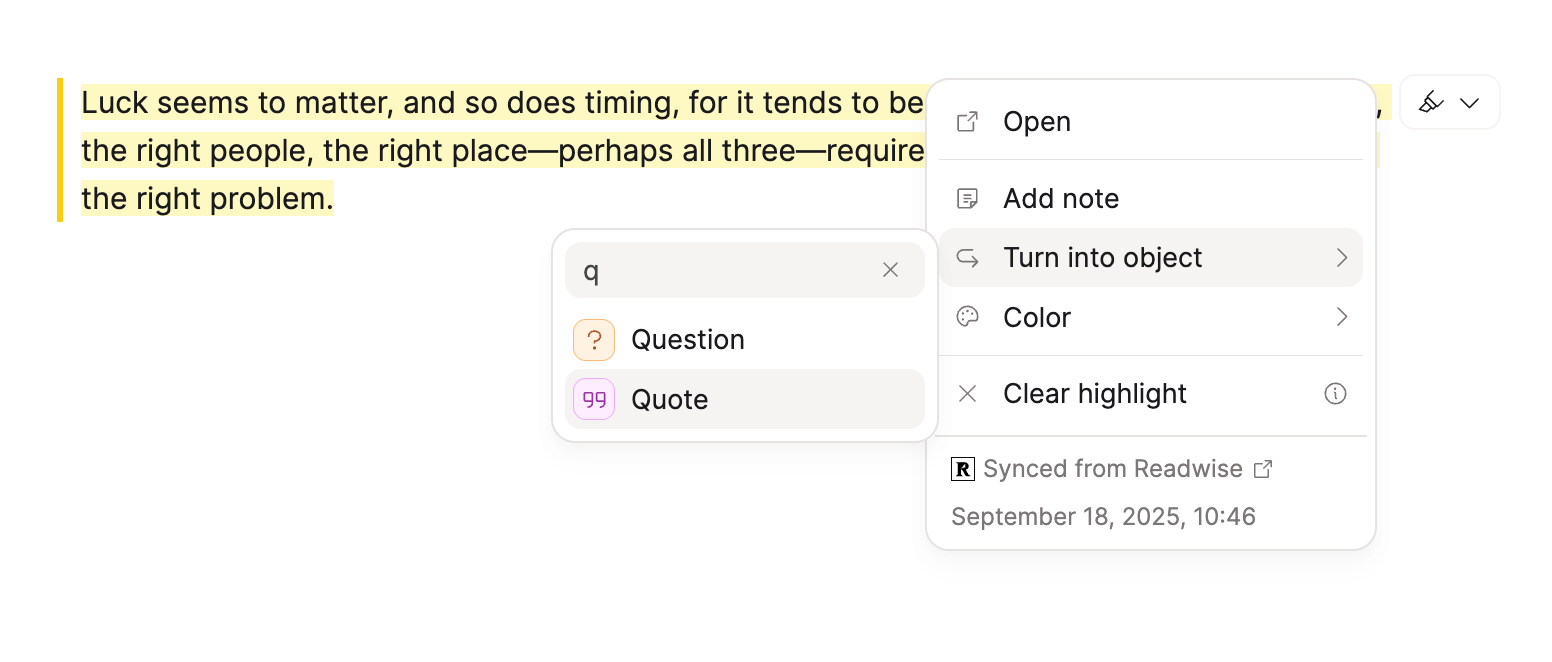
This is great for quotes, for example!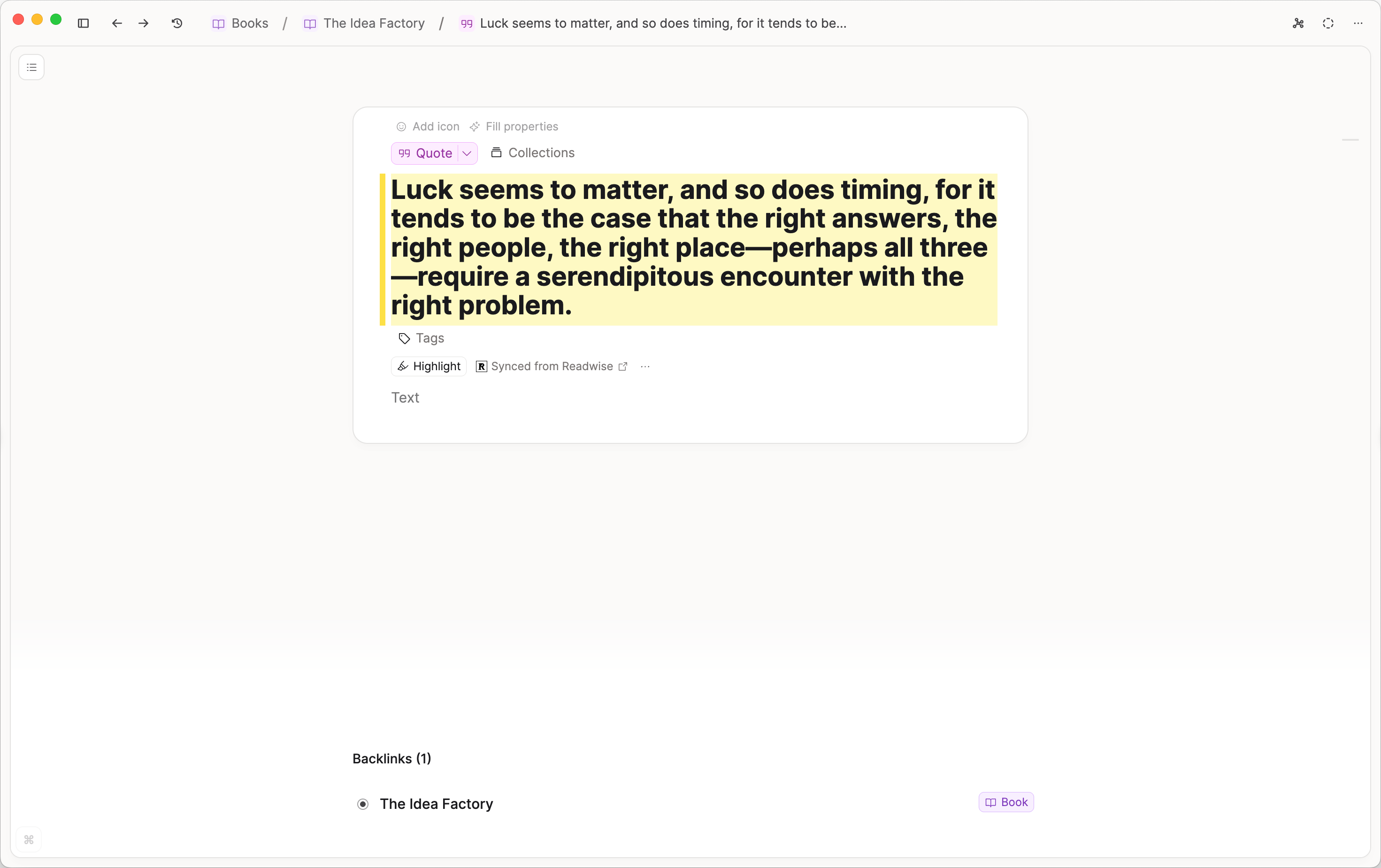
- Change the color
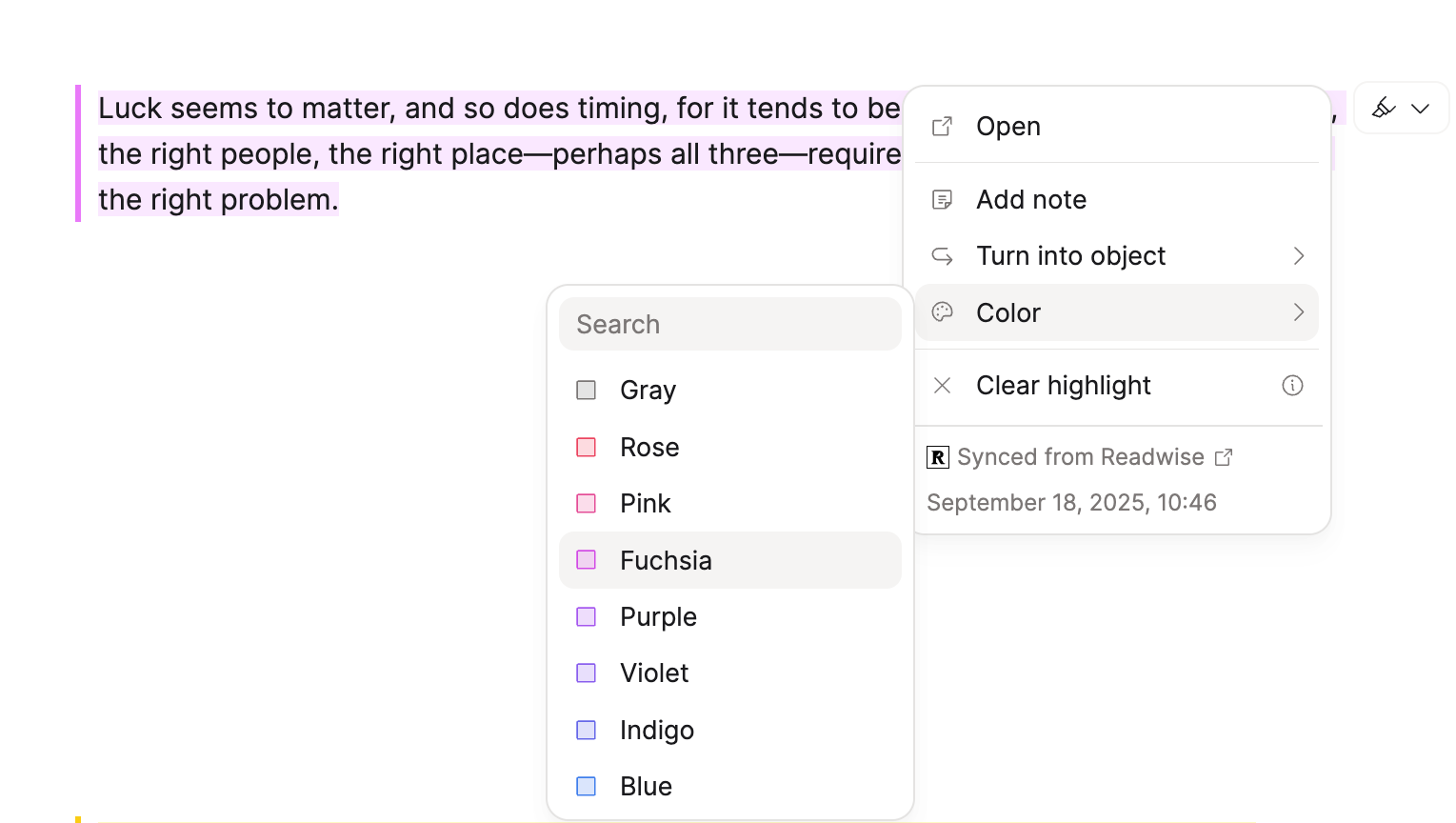
- Clear the highlight metadata to revert to a plain text block

- You will also see when it was created and from where with the timestamp at the bottom.
Ask a question! - The Docs Assistant knows everything about the documentation, and the ideas and feature requests from other users.
Create a ticket on our feedback board. - Let us know if you have an idea for a feature, improvement or think there is something missing.
Request additions to the documentation. - If your questions are not getting answered, let us know and we will extend the documentation.