Editing & Content
How can I create a table of contents in Capacities?
Editing & Content
How can I create a table of contents in Capacities?
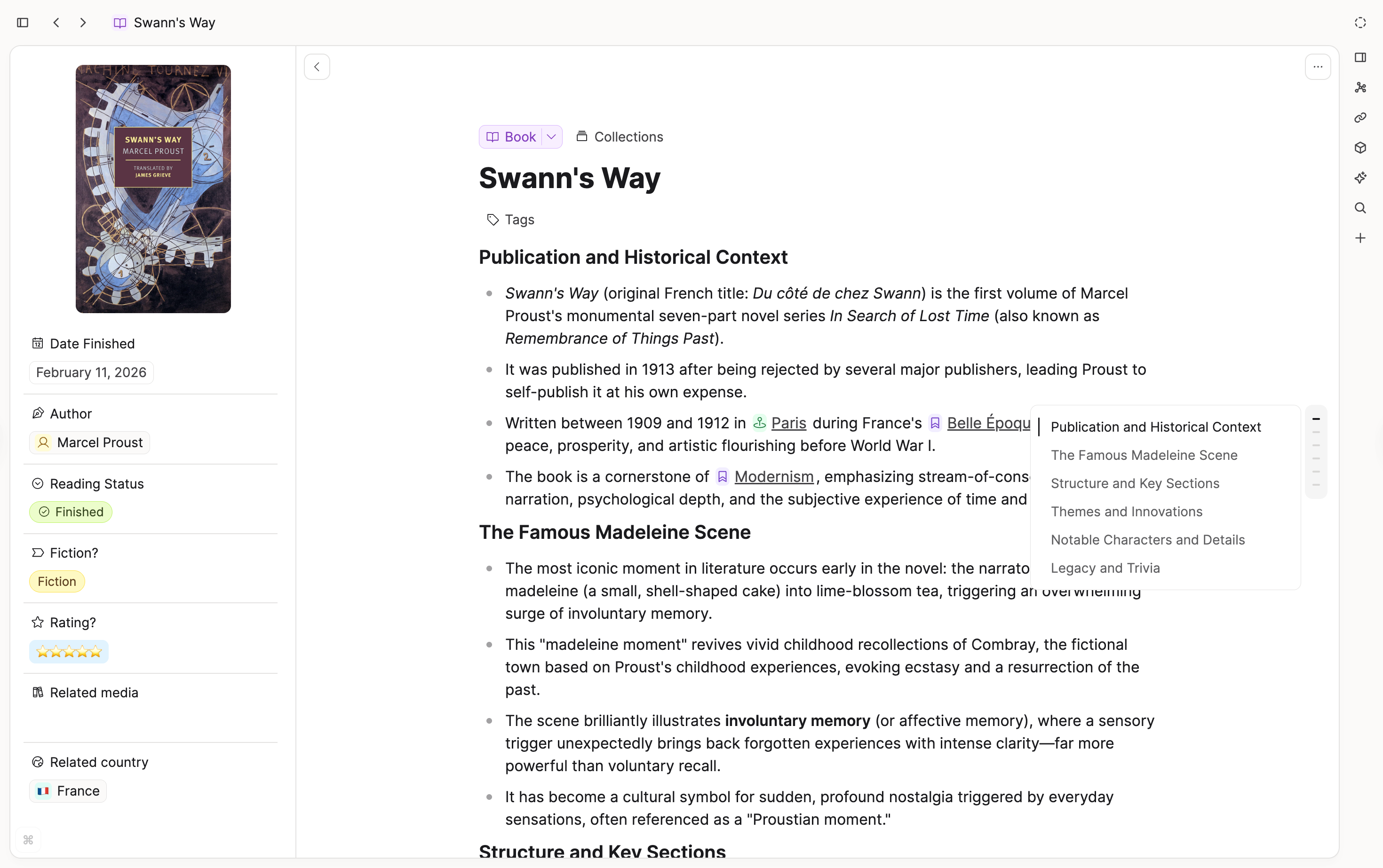
You do not need to create a table of contents manually. When you use headings, Capacities builds an automatic outline for the page.
The outline lives in the floating inspector on the right edge of the object. Hover over the indicator to open it, or pin the inspector from the top bar for persistent access.
The Outline tab stays available even on pages without headings. When there is nothing to show, Capacities displays a short empty state instead of hiding the tab.
Ask a question! - The Docs Assistant knows everything about the documentation, and the ideas and feature requests from other users.
Create a ticket on our feedback board. - Let us know if you have an idea for a feature, improvement or think there is something missing.
Request additions to the documentation. - If your questions are not getting answered, let us know and we will extend the documentation.