Where is the graph view?
Where is the graph view?
Graph view is available for one note at a time. Open a note as the main content on the left, then open the side panel and use Explore.
The side panel icon is on the far right of the screen:
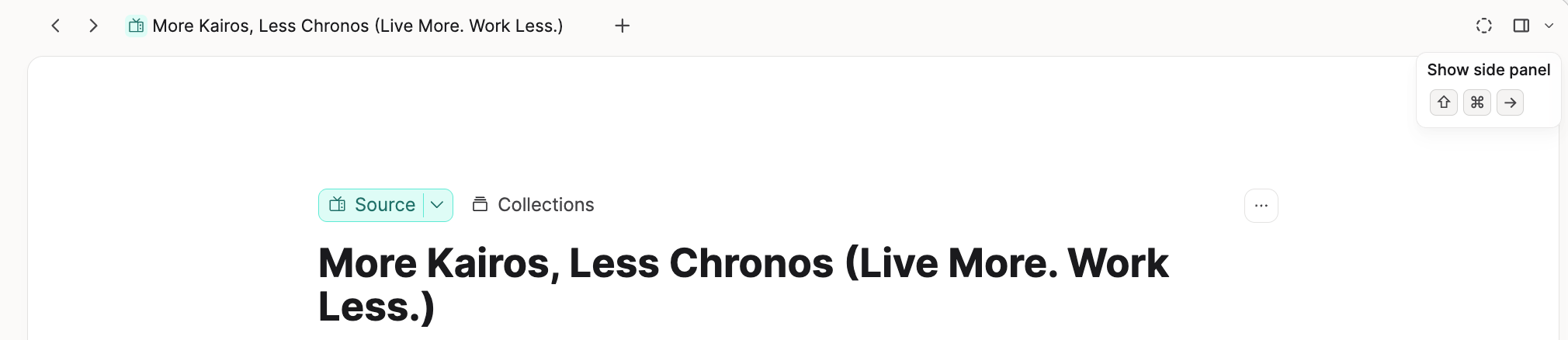
Click on that to open the Explore tab. Click on the graph view icon.
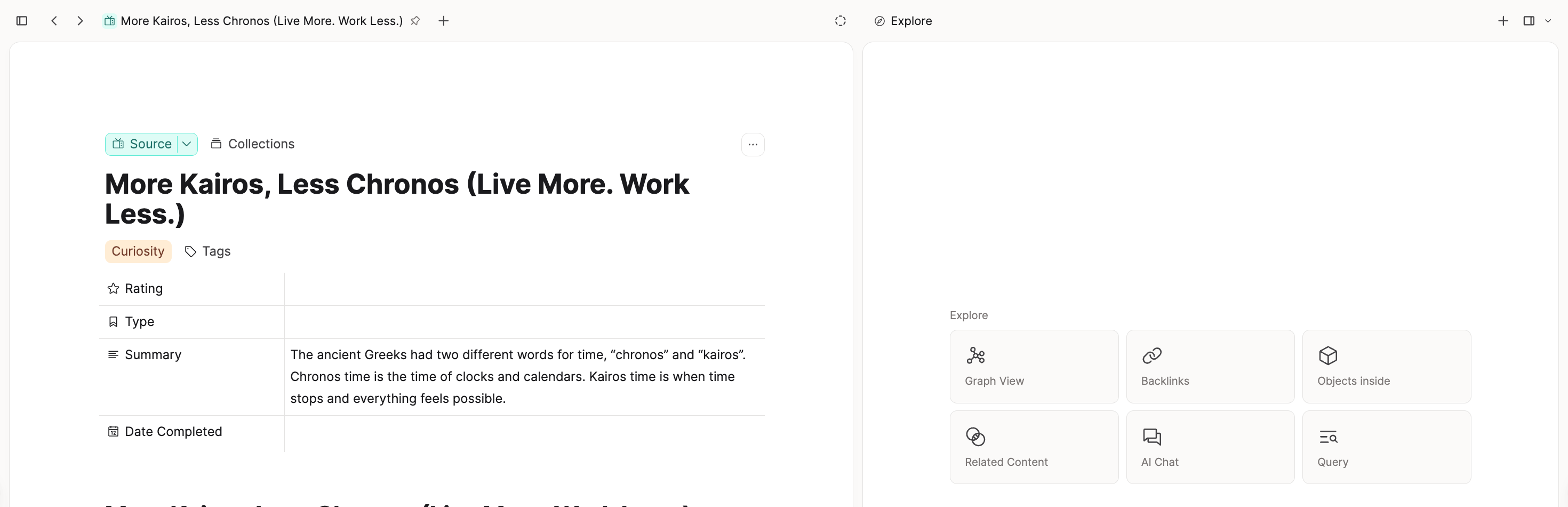
If you do not see graph view in Explore, you likely do not have a single note open on the left. Graph view does not appear on dashboards or other overview screens. Open one object first, then check Explore again.
There is no global or full space graph view.
For more detail, see Graph view.
Ask a question! - The Docs Assistant knows everything about the documentation, and the ideas and feature requests from other users.
Create a ticket on our feedback board. - Let us know if you have an idea for a feature, improvement or think there is something missing.
Request additions to the documentation. - If your questions are not getting answered, let us know and we will extend the documentation.