Basic types
Files
Basic types
Files
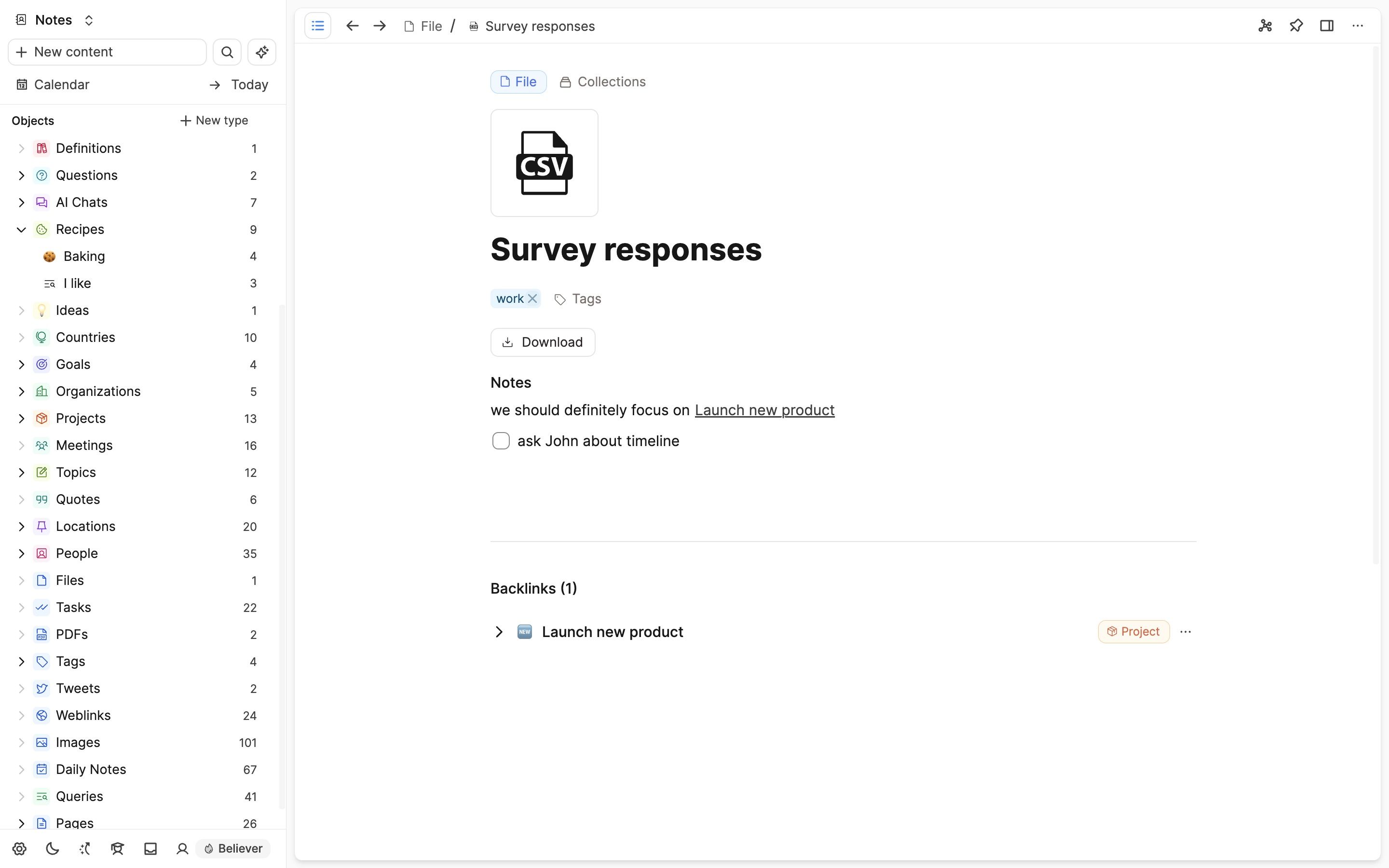
Capacities bridges the gap that exists between files on your computer and notes in Capacities with the file object type. You can upload any files (under 100MB) to Capacities, tag them and add notes to them.
You cannot view or edit them in Capacities.
What file types?
All file types should upload into Capacities. If they align with a different basic type, such as an image or pdf, your upload will convert to the relevant object type. Everything else will upload as a file.
| Media Type | Supported Extensions |
|---|---|
| Image | *.png, *.jpg, *.jpeg, *.gif, *.svg, *.webp |
| Audio | *.mp3, *.ogg, *.wav, *.m4a |
| File | All |
In order to view the files, you will need to download them to their own apps. But the file object type lets you integrate these files as objects, within your knowledge work and your Capacities workflows.
Uploading a file
You can upload a file in any of the ways you create another type of object, all of which are explained here.
There is a 100 MB limit on file uploads.
Adding notes
Just like other basic object types, you can write notes beneath files to link to other objects, or hold important information about it.
Linking to files on your computer
You can link to files on your computer in your notes. When you click on the link, the file will open in the default application on your computer.
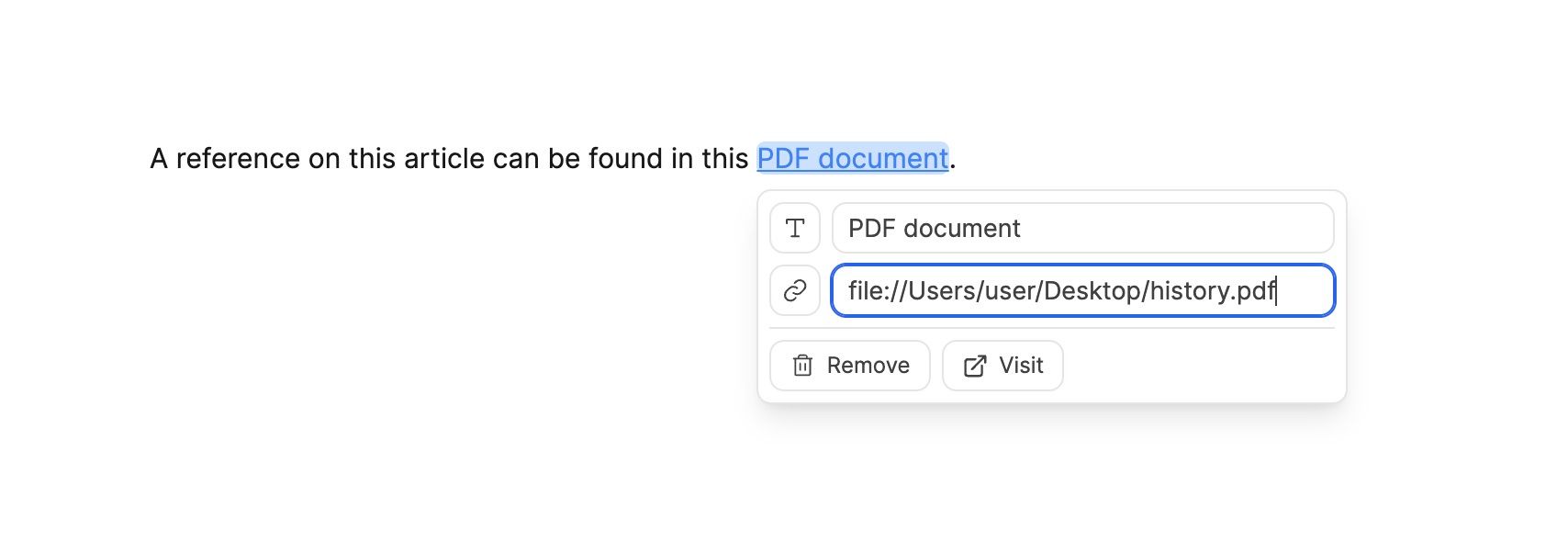
To link to a file on your computer you need to either paste a file link, or link to a file using the link option in the text editor bar. A file link is a URL that points to the file on your computer. It always starts with file:// followed by the path to the file.
- Mac OS: You can get a file link by right-clicking on the file path in your finder and selecting "Copy "MyFile.pdf" pathname". You then need to add a
file://prefix to the path. For example,file://Users/username/Documents/MyFile.pdf. - Windows: You can get a file link by right-clicking on the file in your explorer and selecting "Copy as path". You then need to add a
file://prefix to the path. For example,file://C:\Users\username\Documents\MyFile.pdf.
FAQs
- On desktop, why do
file://links show a security confirmation?
The desktop app shows a security confirmation when opening localfile://links. This is intentional and applies across operating systems. It helps protect against attacks when opening local files.
When you choose to allow a link, you can opt to Always allow for that path so future opens skip the prompt. - How do I add or attach a file?
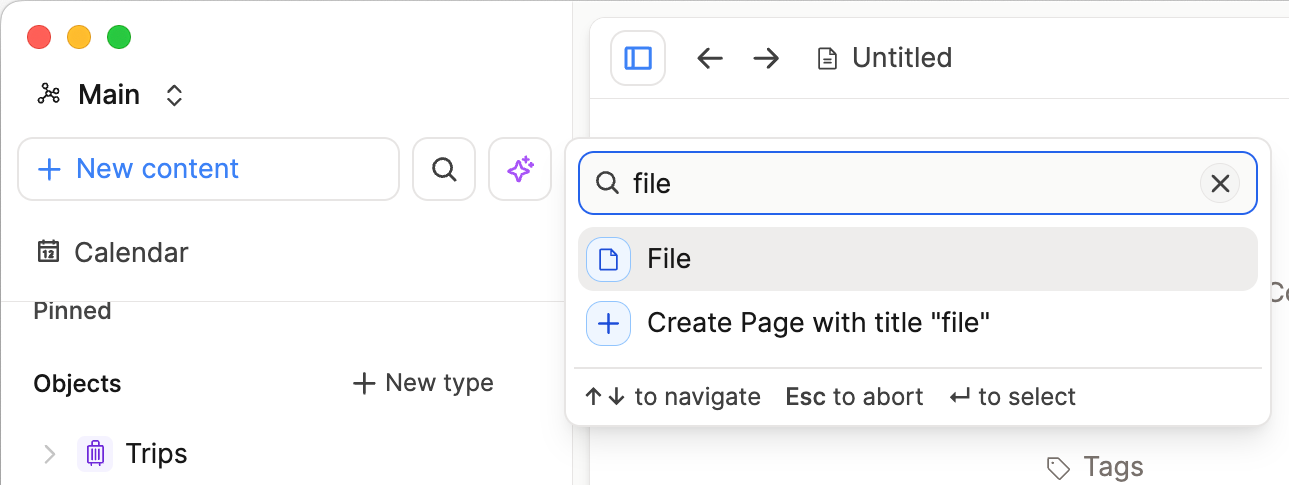
Click+ New Contentin the top-left of the screen and scroll to File, or inside a note, type/file.
Ask a question! - The Docs Assistant knows everything about the documentation, and the ideas and feature requests from other users.
Create a ticket on our feedback board. - Let us know if you have an idea for a feature, improvement or think there is something missing.
Request additions to the documentation. - If your questions are not getting answered, let us know and we will extend the documentation.