Basic types
PDFs
Basic types
PDFs
You can read and take notes on your PDFs in Capacities. They are full objects, so you can tag them, reference them, and embed them in other objects.
Capacities Pro and Believer users can highlight passages and capture snapshots. With AI enabled, they can also run PDF analysis for a reader view, summary, and searchable text.
PDF properties
Every PDF object comes with properties that help you describe, organize, and query your documents:
- Title – The name of the PDF object.
- Tags – Labels you can assign to group related PDFs.
- Description – A short text summary of the document.
- Blocks – Where you write your notes on the PDF.
- Document type – A classification such as report or academic paper. Used for filtering and queries.
- Topic – A broader theme used for grouping and queries.
- Number of Pages – How many pages the file has.
- Source – Where the PDF came from.
Capacities Pro and Believer users with AI enabled can use PDF analysis to fill title, description, document type, and topic automatically.
You can still set these properties yourself. Pro and Believer users can use them in queries.
Uploading
Go to + new type in the left side bar, choose 'PDFs' from the template list and then open that object type. Click new in the top right.
You can also upload a PDF in any of the ways you create another type of object, all of which are explained here.
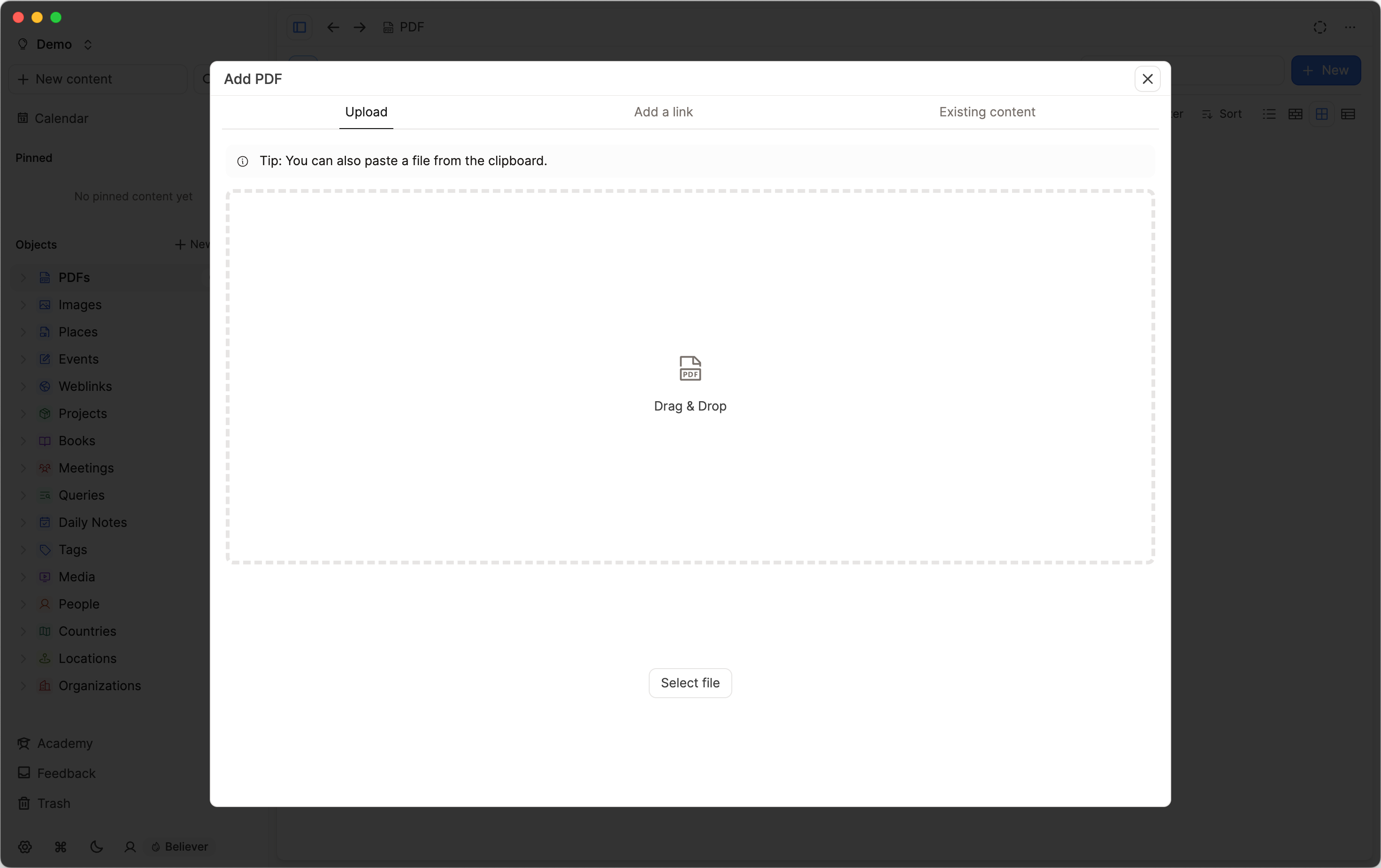
Once uploaded, you can rename your PDFs, add tags, add them to collections and add notes as you would with any other object.
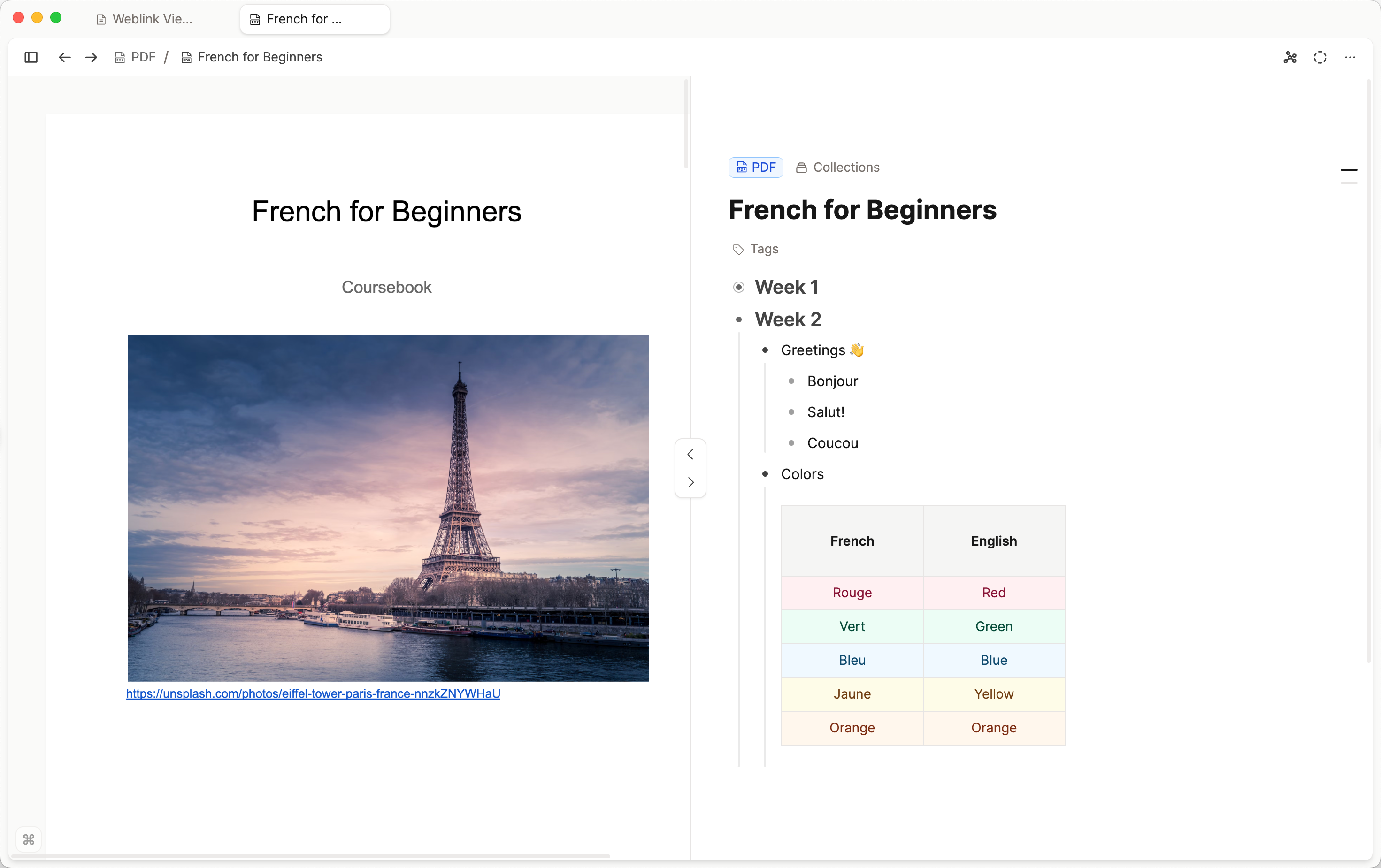
Reading a PDF
Open a PDF object to switch between tabs:
- PDF: The viewer, with highlights and a Dark mode toggle of its own, separate from the app theme. After you run PDF analysis with AI enabled, press
Cmd + F/Ctrl + Fto search inside the document. Matches are highlighted and you can step through them. - Reader: Extracted text, split by page, after PDF analysis. Pro or Believer with AI only. Use find in page (
Cmd + F/Ctrl + F) to search the extracted content. From a match, you can jump to that page in the viewer. - Summary: The overview plus keywords after PDF analysis. Pro or Believer with AI only.
The PDF tab is available as soon as the file has uploaded. Reader and Summary appear after you run analysis with AI enabled.
PDF annotations and highlighting
Capacities ProPro and Believer users can highlight text in a PDF and add notes on every platform.
Select text in the PDF viewer to highlight it, pick a color, add a note, or remove a highlight. After you run PDF analysis with AI enabled, you can also highlight in the Reader tab. Highlights stay in sync between both views.
Passages with notes show a small note icon. Hover for a preview, or click to open the highlight menu. Highlights and linked notes include Jump to location so you can return to the passage in the PDF.
You can copy highlighted text from the PDF viewer.
Highlights live on the PDF object and appear as note blocks in the PDF object's content, the same way highlights from weblink annotations do.
To show or hide the notes panel, click the notes icon to the right of the three-dot menu (...). On hover it says Show notes or Hide notes.
Snapshots (desktop)
On desktop, capture a snapshot of an area of the page and drop it into your notes. The snapshot control sits next to the page indicator at the bottom of the PDF viewer. From the snapshot in your notes, you can scroll back to that place in the PDF to see the surrounding context. Snapshot capture is not available on phone.
PDF analysis
Capacities ProPDF analysis is part of Capacities' media analysis feature. It helps Capacities understand the content of an uploaded PDF so you can search it, filter it, and use it as context in AI chat.
PDF analysis is available for Capacities Pro and Believer. You also need AI features enabled in the space. The Reader and Summary tabs are part of analysis and follow the same requirements.
Open any PDF and click the Analyze button in the PDF toolbar or object menu. You can also start analysis from a card, an embed, or a table title. Capacities processes the document and fills in the following:
- Reader – The extracted text, split by page, shown in the Reader tab.
- Summary – A short overview of the document, shown in the Summary tab.
- Keywords – Key terms from the document, shown with the summary.
- Title – A descriptive name when the current title is empty or generic.
- Description – A short text summary, written to the Description property.
- Document type – A classification such as report or academic paper, written to the Document type property.
- Topic – A broader theme, written to the Topic property.
If you want to run analysis again, use Analyze on the PDF. Progress and errors are shown in place.
Analysis uses your AI budget. Longer documents use more budget. If your preferred model provider in Settings is expensive, you will run through your budget faster.
If your AI budget is exhausted, analysis shows an AI budget used state and opens AI settings. Wait until your budget resets at the start of the next billing month, or add Pro+ or Believer+ for a much larger monthly budget and top-ups when you need more. See Subscriptions and payments for details.
When you run a PDF analysis, the PDF file is sent to the AI model provider for processing. No file is sent unless you click Analyze. For full details on how your data is handled, see AI and Privacy.
Search and AI chat
After you run PDF analysis, the extracted text is included in search. When a search result comes from a PDF, Capacities can open the matching page.
The same extracted information is available as context for the AI assistant. Add the PDF as context and ask questions about the document.
Embedding PDFs in other pages
Just like any other type of object, PDFs can easily be embedded elsewhere with the @ or [[]] shortcuts. You can choose the view you need too.
Here's what each view looks like:
Inline PDF View
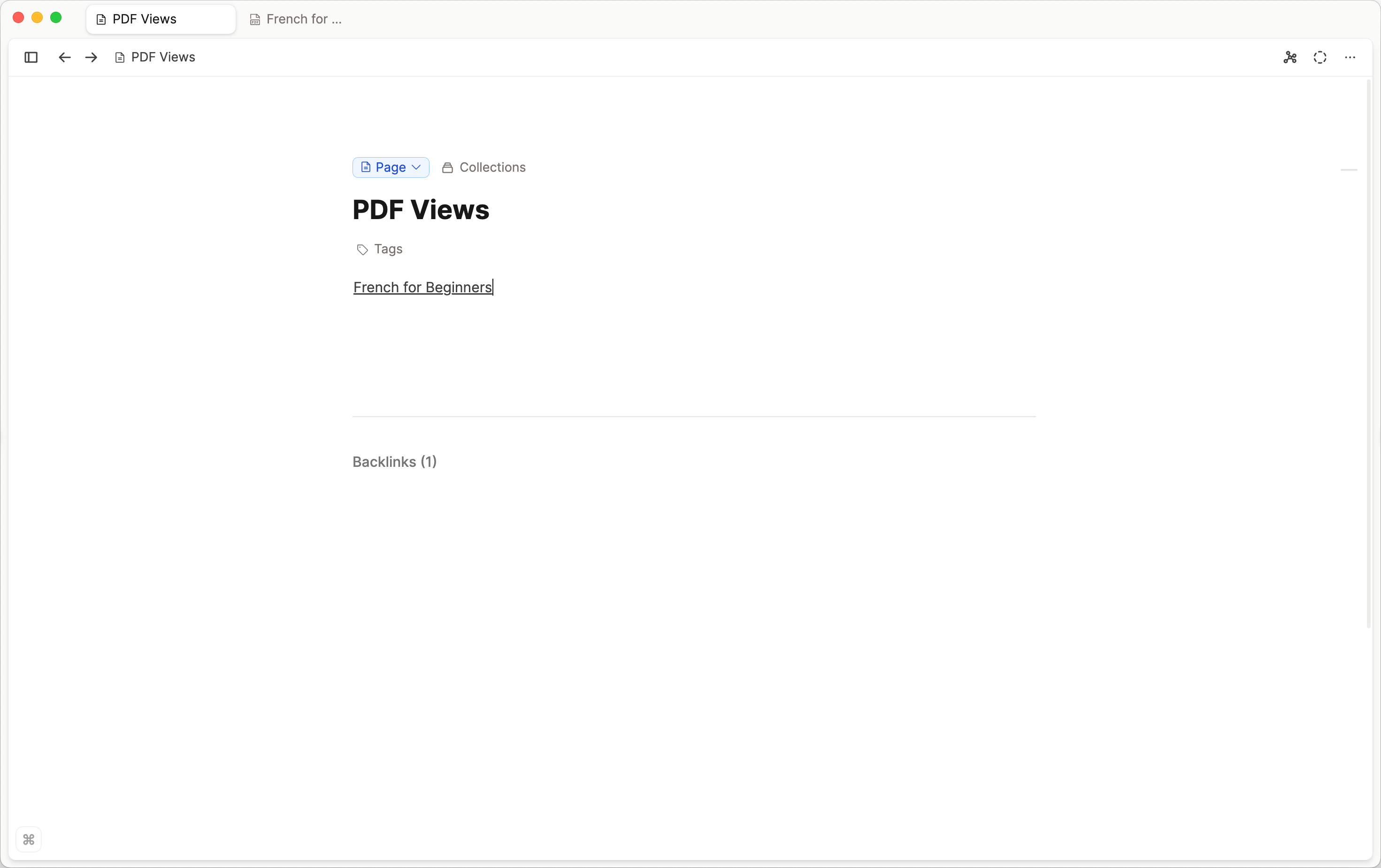
Link Block PDF View
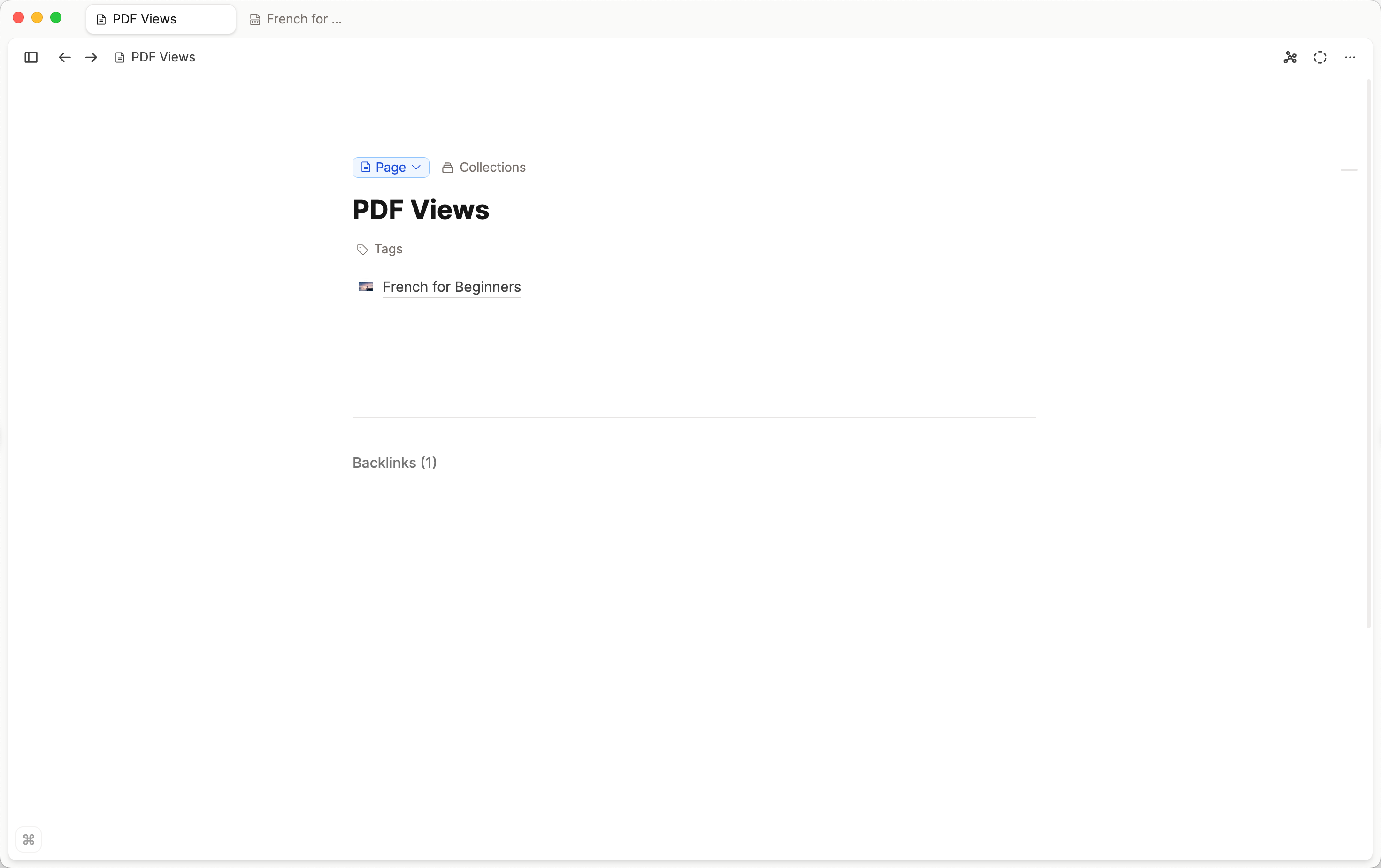
Widecard PDF View
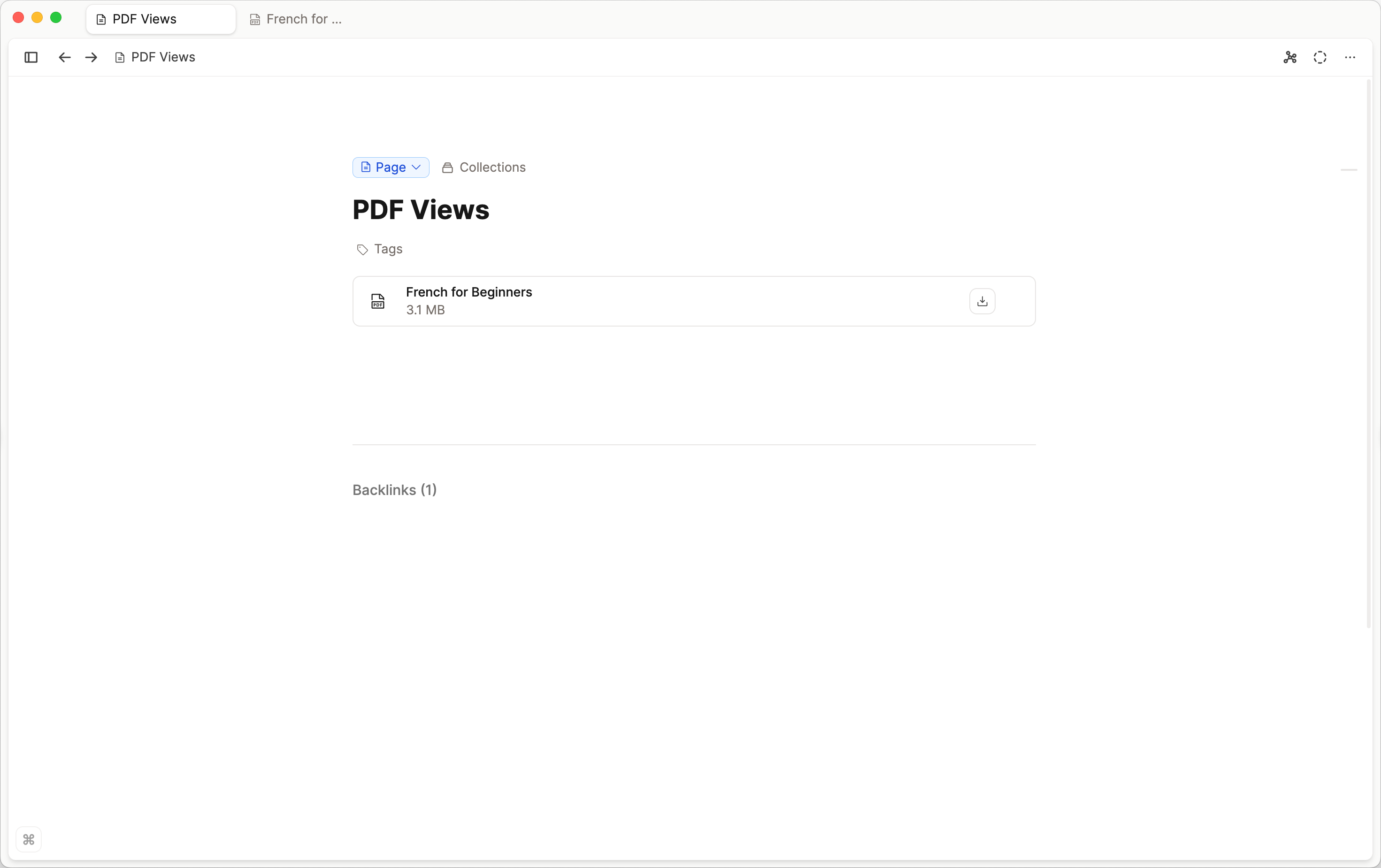
Small Card PDF View
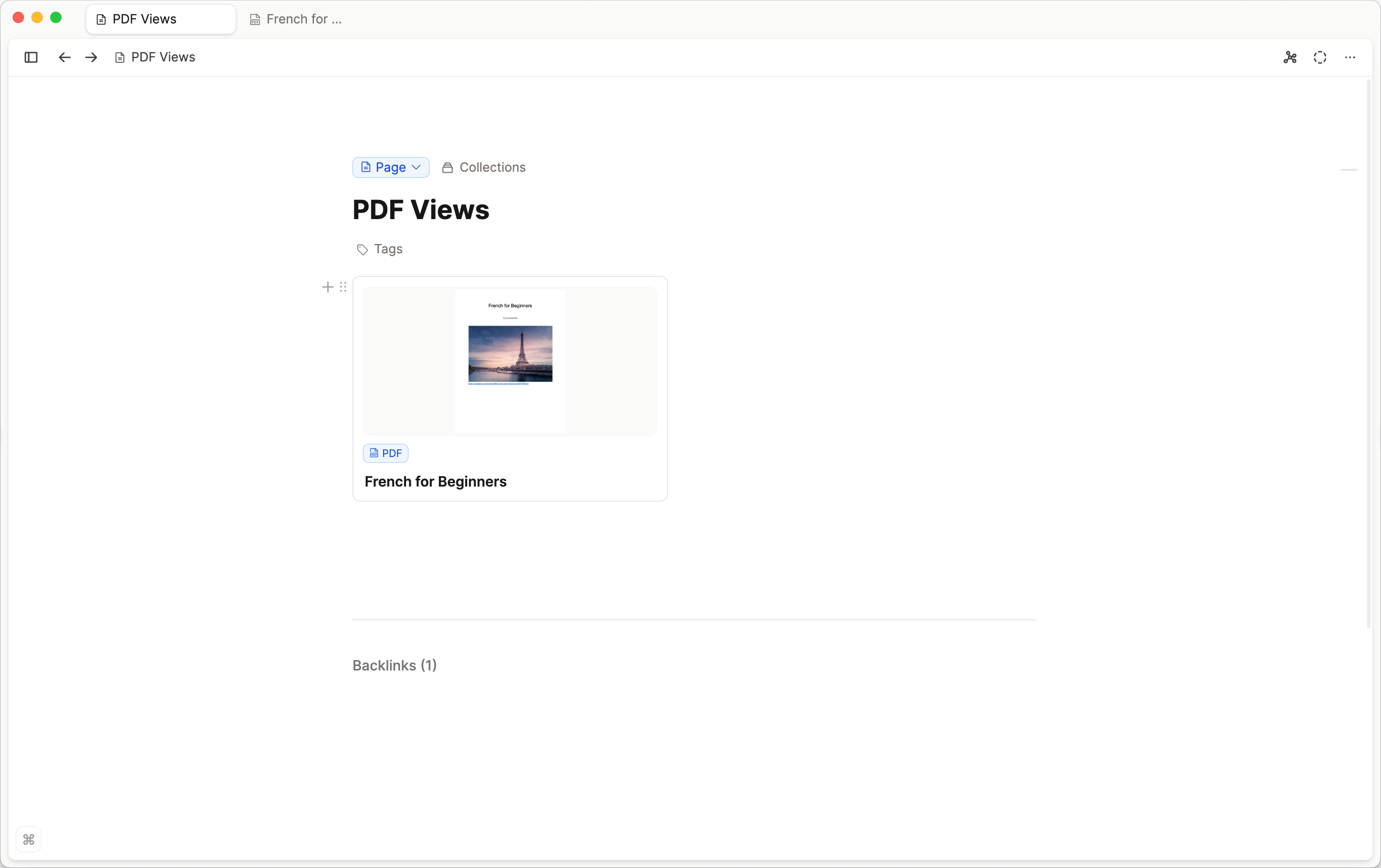
Embedded PDF view
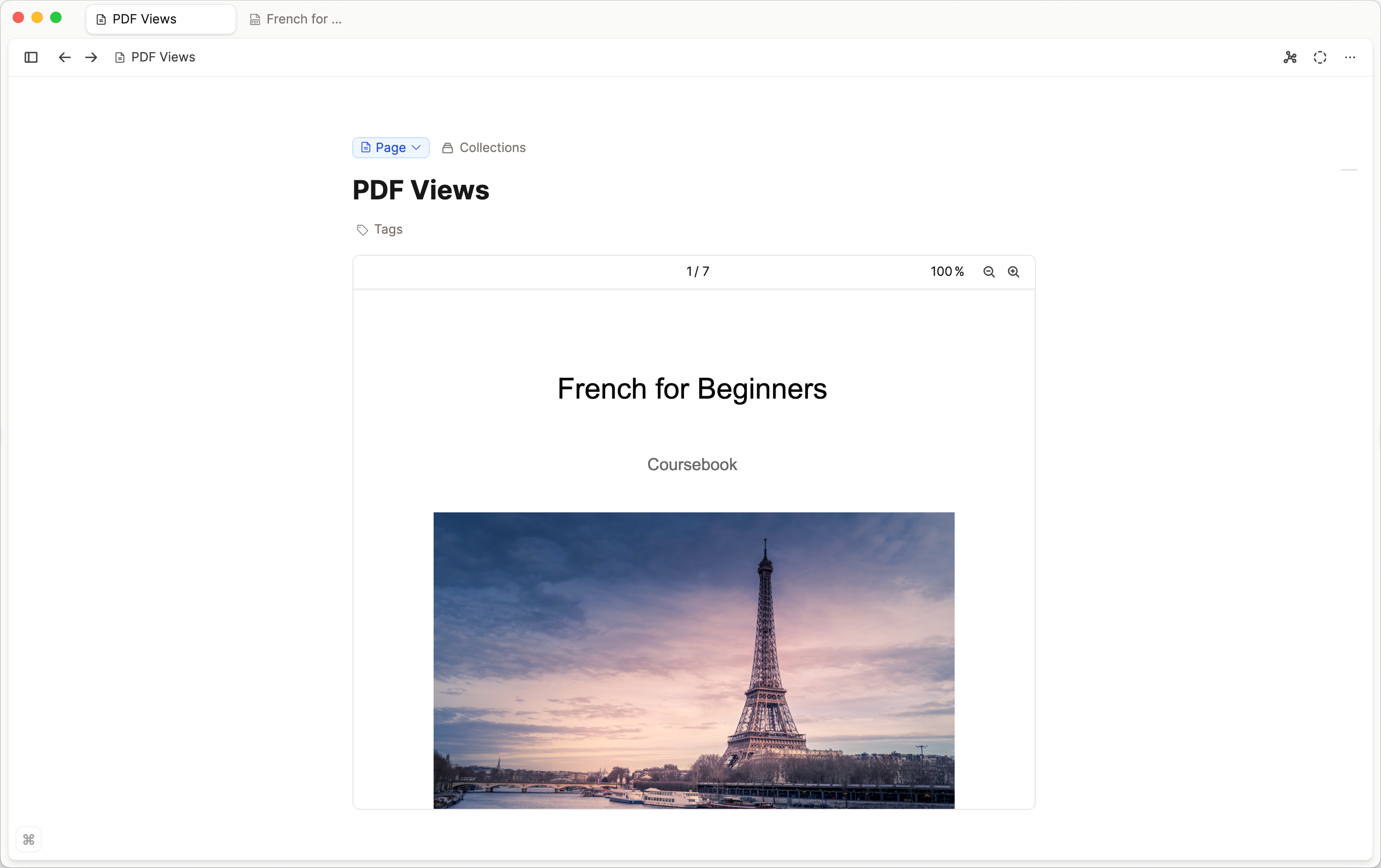
FAQs
- What's the best way to work with PDFs in Capacities?
Upload the PDF and add your notes on the object. If you are on Pro or Believer with AI enabled, run PDF analysis for a reader view and properties you can query. If you also need details such as author or year, create a custom object type (for example Sources), add those properties there, and link or embed the PDF. - How do I add or attach a PDF?
Click+ Newin the top-left of the screen and scroll to PDF, or inside a note, type/pdf. - Do I need PDF analysis to use Document type and Topic?
No. You can fill both properties yourself. Pro and Believer users with AI enabled can also use PDF analysis to fill them automatically. - Can I highlight a PDF on phone?
Yes. Highlights and notes work on every platform for Pro and Believer users. Capturing a snapshot of an area is desktop-only. - Do I need AI to highlight a PDF?
No. Annotations and snapshots are available for Pro and Believer users. PDF analysis, the Reader tab, and the Summary tab require Pro or Believer and AI to be turned on. - Can Pro users run PDF analysis?
Yes. PDF analysis is available for Pro and Believer when AI is turned on. - When can I use
Cmd + F/Ctrl + Fin a PDF?
Find in page in the PDF viewer and Reader tab works only after you run PDF analysis. Before analysis, those tabs do not have searchable extracted text yet. - How do I show or hide the PDF notes panel?
Click the notes icon to the right of the three-dot menu (...). On hover it says Show notes or Hide notes. Annotation notes are note blocks on the PDF object. - How do I capture a PDF snapshot?
On desktop, open the PDF viewer. The snapshot control is next to the page indicator at the bottom of the viewer. Capture an area of the page and drop it into your notes. Snapshots are not available on phone. - Are analyzed PDFs searchable?
Yes. After you run PDF analysis, the extracted text is included in search. You need Capacities Pro or Believer, AI turned on for the space, and you must click Analyze on the PDF first.
Ask a question! - The Docs Assistant knows everything about the documentation, and the ideas and feature requests from other users.
Create a ticket on our feedback board. - Let us know if you have an idea for a feature, improvement or think there is something missing.
Request additions to the documentation. - If your questions are not getting answered, let us know and we will extend the documentation.